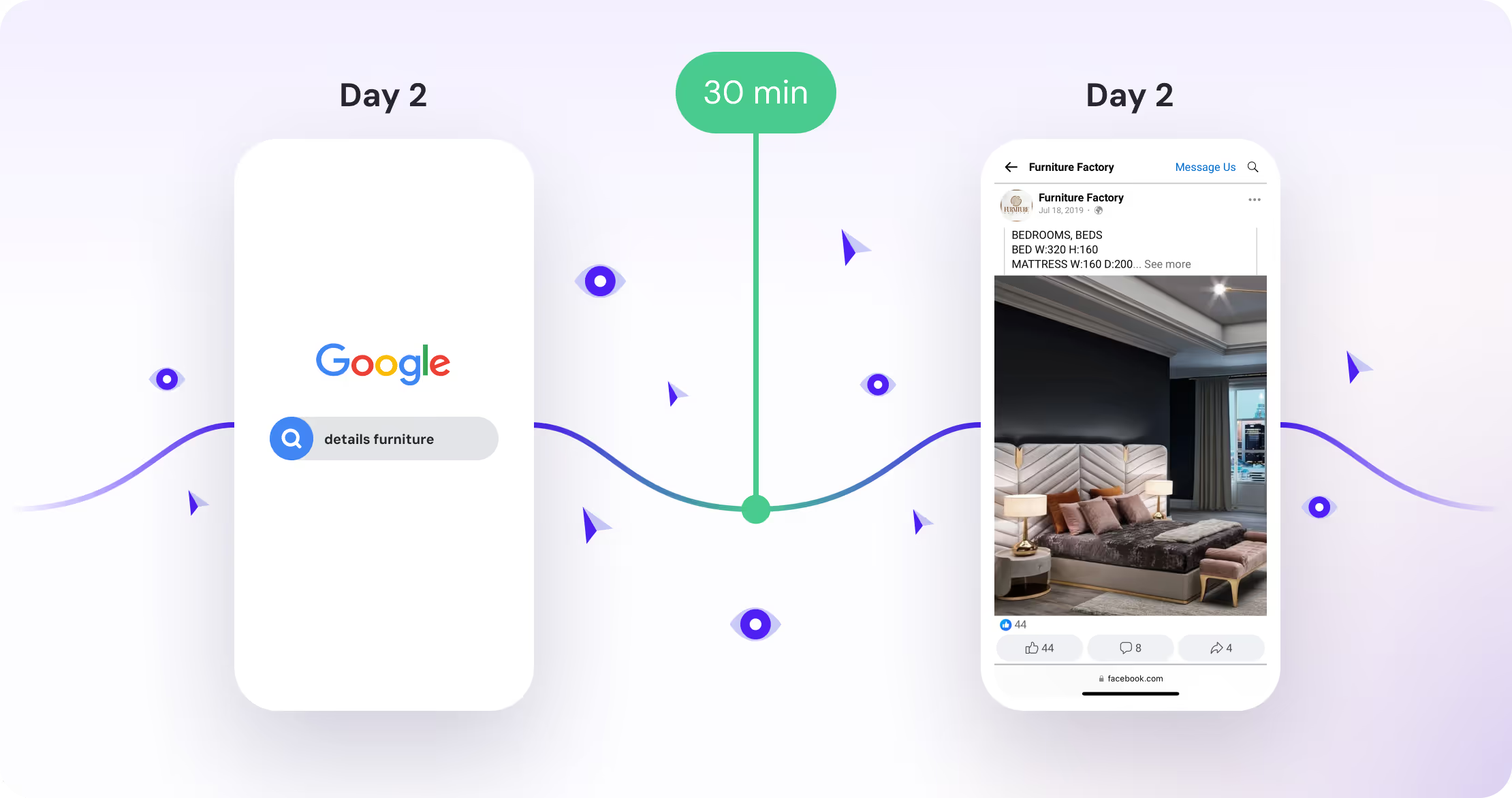
Kickbite Attribution looks at all touchpoints in the customer journey and takes into account various signals such as engagement, position within the journey, and the time between touchpoints.
The attribution algorithm is trained on your specific customer data and uses machine learning to determine the ideal importance of each stage, following incremental principles.
This already gives you a highly customised, data-driven attribution model — but you can further refine it with a few key adjustments:
You can choose to exclude specific channels from the attribution model. This is useful if you want to place more emphasis on the channels that truly drive new customer journeys — i.e., channels that are incremental to your acquisition growth.
It is fed by the behavior of the user at each touchpoint (event signals) and the position of the touchpoints in the entire customer journey. It then applies the "touch, tell, sell" framework to model human buying behavior and uses incrementality principles to determine the most crucial touchpoints for conversion. This article explains the concept, starting with the basics.
You can also decide whether to include View Conversions from your paid media channels. If enabled, Kickbite calibrates the Click Attribution model using statistical models that evaluate the relationship between view conversions (coming from your ad accounts) and your baseline sales.
Should you use this setting?
Yes — especially for creative-heavy social channels like Meta or TikTok. These channels are often undervalued in click-only models because their impact is more visual and brand-driven.
Either way, you'll always have the flexibility to toggle between AI Click and AI Click & View Attribution directly in your dashboards.